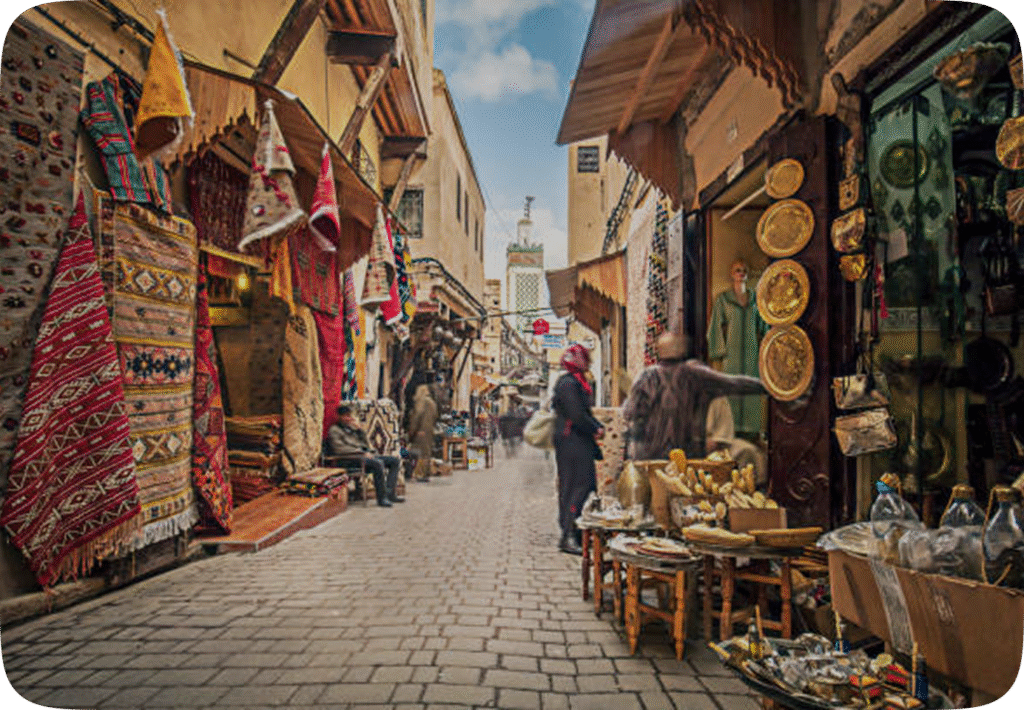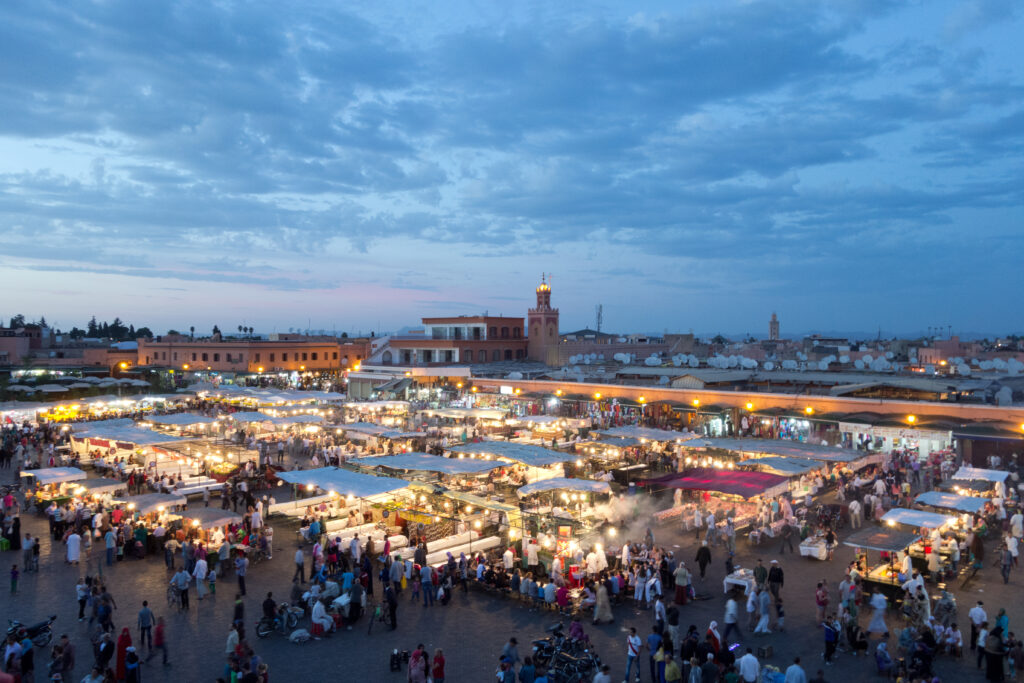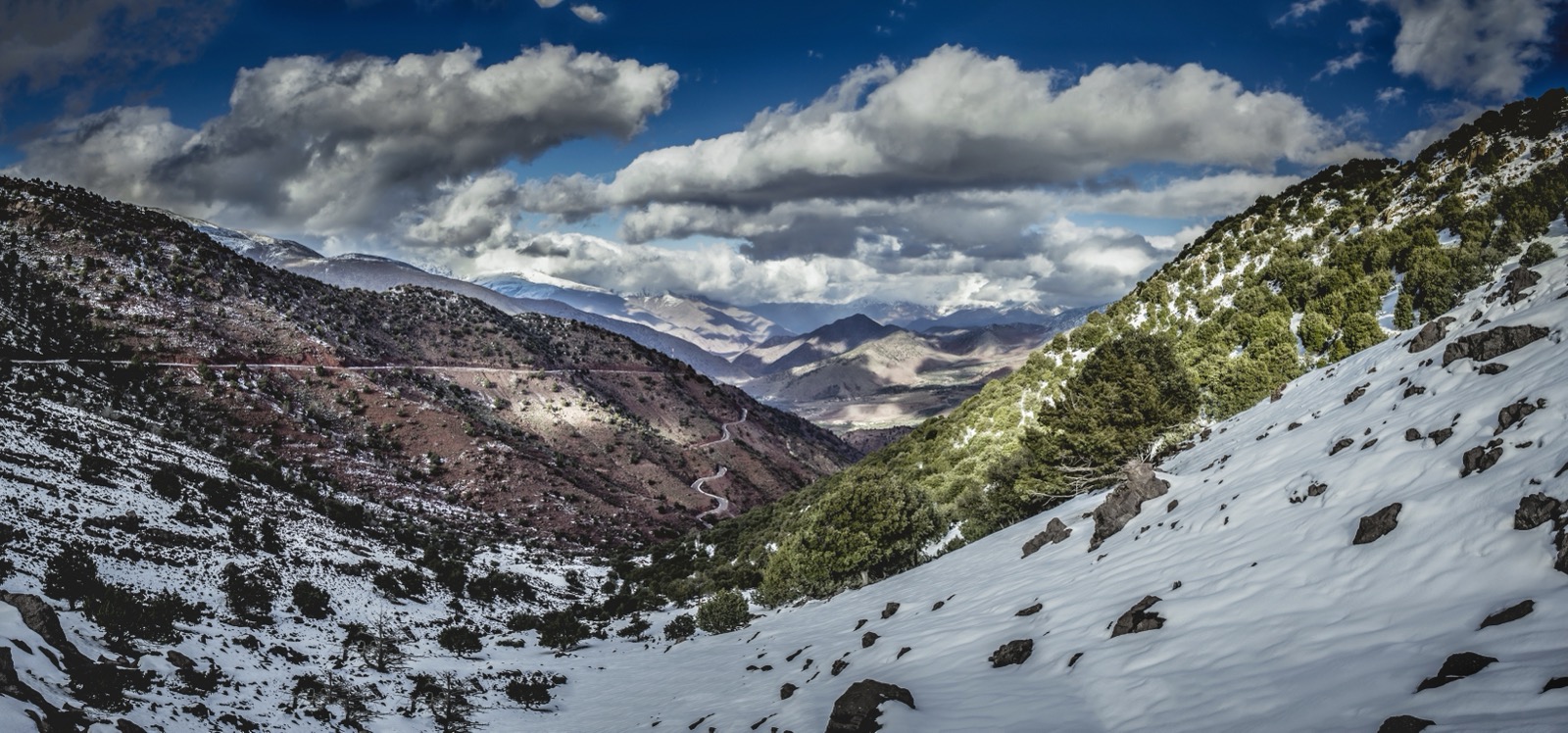
À un moment de votre voyage au Maroc, votre téléphone affichera Aucun service. Cela arrive sur le col du Tizi n’Tichka, dans les gorges du Dadès et du Todra, au-delà de Merzouga là où commencent les dunes, dans les ruelles les plus profondes de la médina de Fès, et au rez-de-chaussée aux murs épais de la moitié des riads du pays. C’est tout à fait normal, et ce n’est pas le problème que l’on imagine — à condition de savoir à l’avance quelles fonctions de votre téléphone continuent de marcher et lesquelles se taisent.
Voici la réponse honnête à cette question. Ci-dessous : où le signal disparaît réellement au Maroc, pourquoi le 112 passe même sans carte SIM et sans crédit, ce que Stay Safe Morocco conserve exactement sur votre appareil sans aucune connexion, ce qui a réellement besoin de données (nous le dirons clairement), et les dix minutes de préparation qui font que tout cela fonctionne. Si vous préférez le tour complet des fonctionnalités, il se trouve dans ce que fait réellement l’application Stay Safe Morocco.

Où l’on perd vraiment le signal au Maroc
La couverture mobile du Maroc est meilleure que ne l’imaginent la plupart des voyageurs qui viennent pour la première fois. Les villes, les grands axes, les stations balnéaires et le corridor ferroviaire entre Tanger, Rabat, Casablanca et Marrakech sont bien couverts — vous écouterez de la musique en streaming à bord de l’Al Boraq. Les zones sans réseau sont géographiques et prévisibles, pas aléatoires.
Attendez-vous à une couverture faible ou nulle sur les cols de montagne entre Marrakech et Ouarzazate, le long des routes des gorges, dans le Sahara au-delà du dernier village, sur certains tronçons de la route côtière atlantique, et à l’intérieur de l’architecture dense des médinas, où la pierre et les ruelles étroites bloquent tout simplement le signal. Ajoutez-y les classiques du quotidien : un téléphone à 4% de batterie, un hôtel sans chargeur pour votre type de prise, un appareil qui arrive en mode avion et n’en sort jamais.
Rien de tout cela ne fait du Maroc un pays risqué — c’est l’un des pays les plus sûrs d’Afrique du Nord pour les voyageurs, comme notre guide national de sécurité l’explique. Cela signifie simplement que le réflexe sensé est de partir du principe que vous serez parfois hors réseau, et de configurer votre téléphone pour que ces moments-là soient sans conséquence.
Le 112 fonctionne même quand votre téléphone affiche Aucun service
C’est l’information la plus utile de cet article, et presque personne n’arrive en la connaissant. Au Maroc, les numéros d’urgence ne passent pas par votre forfait data. Ils passent par le réseau voix, et le 112 est joignable depuis n’importe quel téléphone qui capte l’antenne de n’importe quel opérateur — sans carte SIM locale, sans crédit, sans forfait itinérance, sans eSIM installée. Si votre téléphone capte un réseau dont vous n’êtes pas client, le 112 passe quand même.
Le 112 est le numéro universel, et celui à utiliser en cas de doute. Les lignes directes valent la peine d’être connues elles aussi, car dans une situation précise elles vous mettent plus vite en relation avec le bon service :
La distinction qui compte sur la route : le 19 est la police urbaine, le 177 la gendarmerie qui couvre les campagnes et les routes entre les villes. Si quelque chose arrive sur la route de Ouarzazate, le 177 est le bon numéro. Notre présentation complète des numéros d'urgence au Maroc vous indique qui répond, quelle langue attendre, et quoi dire en premier.

Ce que Stay Safe Morocco garde sur votre téléphone
L’application a été conçue autour d’un principe : le moment où vous en avez le plus besoin est celui où vous avez le moins de chances d’avoir une connexion. Les informations de référence vivent donc sur l’appareil, et non sur un serveur qu’il faut réussir à joindre.
Sans le moindre signal, vous avez toujours tous les numéros d’urgence marocains, classés par situation plutôt qu’enfouis dans une liste. Vous avez My Embassy — l’ambassade ou le consulat de votre pays au Maroc, sélectionné selon votre nationalité lors de la configuration, avec son adresse et son numéro de téléphone prêts à composer. Vous avez les informations sur la ville : les coordonnées des hôpitaux et des cliniques, les conseils pratiques de sécurité pour l’endroit où vous êtes, et le contexte local qui transforme une rue inconnue en rue où l’on sait se repérer.
Et SOS fonctionne hors ligne de la manière qui compte. Un seul appui enregistre votre position sur votre appareil et compose pour vous le bon numéro d’urgence marocain, pour que vous n’ayez pas à chercher un numéro d’une seule main dans un moment de stress. Soyons clairs sur ce que c’est et ce que ce n’est pas : c’est un appel rapide et correct, avec votre position enregistrée — non un centre de réponse surveillé, et il n’envoie pas de message à votre famille à votre place. Vous pouvez voir comment le SOS en un appui est conçu sur notre page d’accueil.
Ce qui a besoin d’une connexion — et quoi faire à la place
Nous préférons vous le dire clairement plutôt que vous le découvriez au fond d’une gorge. Tout ce qui, dans l’application, doit atteindre un autre être humain a besoin de données ou d’un signal téléphonique, car on ne contourne pas la physique. Voici le partage honnête, et la solution de rechange pour chaque cas.
Partager votre position avec votre Trusted Circle envoie vos coordonnées par le réseau. Sans signal, la mise à jour est impossible. Avant de vous engager dans une zone mal couverte, partagez votre position et dites à votre cercle où vous allez et quand vous comptez retrouver du réseau.
Le check-in d’arrivée est la seule chose qui prévient automatiquement votre Trusted Circle — il se déclenche quand vous confirmez votre arrivée. Cette confirmation doit voyager : elle part donc quand vous retrouvez une connexion, pas pendant que vous êtes hors ligne.
Le SOS enregistre votre position et appelle les services d’urgence marocains. Il n’alerte pas vos contacts. Si vous voulez que quelqu’un à la maison le sache, écrivez-lui vous-même — considérez cela comme une étape distincte et prévoyez-la.
Téléchargez votre zone de carte hors ligne dans Google Maps ou Maps.me avant de quitter la ville. Le positionnement GPS, lui, fonctionne sans signal ; ce sont les fonds de carte et la recherche qu’il faut télécharger à l’avance.
L’interface de l’application est en anglais et en français. Pour le darija et l’arabe, téléchargez les packs de langue hors ligne dans Google Traduction avant de partir — ils fonctionnent sans connexion une fois installés.

Les dix minutes qui font la différence
Tout ce qui précède ne fonctionne que si c’est déjà sur le téléphone avant que vous en ayez besoin. Faites-le chez vous, en wifi, la veille du départ — cela prend vraiment une dizaine de minutes.
Installez Stay Safe Morocco et ouvrez-la une fois, pour que le contenu hors ligne se télécharge. Renseignez votre nationalité pour que My Embassy affiche le bon consulat. Ajoutez deux ou trois personnes à votre Cercle de confiance et dites-leur de quoi il s’agit, pour qu’un partage de position n’arrive pas comme un mystère. Téléchargez les cartes hors ligne pour chaque ville de votre itinéraire, ainsi que pour les routes qui les relient. Installez votre eSIM pendant que vous avez encore le wifi — l’installation demande une connexion, même si l’activation n’en a pas besoin. Faites ensuite une capture d’écran de l’adresse et du numéro de téléphone de votre riad, enregistrez la confirmation, et glissez une batterie externe dans votre sac de la journée.
C’est tout l’exercice. Une fois que c’est fait, perdre le signal sur un col de montagne redevient ce que cela devrait être : une bonne heure de calme, sans notifications.
La seule chose qui vaut la peine d’être dite à quelqu’un
La technologie est la plus petite moitié de l’affaire. La plus grande ne coûte rien : avant toute journée en zone mal couverte — une nuit dans le désert, une randonnée dans les gorges, une longue route —, dites votre programme à quelqu’un. Où vous allez, avec qui, et à peu près quand vous serez de nouveau dans une zone couverte.
Votre riad ou votre hôtel compte, et c’est souvent le meilleur choix : le personnel connaît les routes, connaît les guides, et se trouve physiquement à proximité. Un membre de votre Trusted Circle resté chez vous compte aussi. L’essentiel, c’est que quelqu’un qui n’est pas dans la voiture sache ce que faisait la voiture. Cette seule habitude fait plus pour votre marge de sécurité que n’importe quelle fonctionnalité, et elle marche à zéro barre de réseau.

Retrouver la connexion dès l’atterrissage
La couche hors ligne est votre plancher, pas votre plafond. Pour tout le reste — Live Location, check-ins, une application de taxi, un appel à la maison — vous voulez des données dès la seconde où vous descendez de l’avion, pas après une file d’attente à un kiosque de l’aéroport.
Une eSIM est la solution la plus simple : vous l’installez chez vous en wifi et elle s’active quand vous atterrissez, sans tiroir à carte SIM, sans passage en boutique et sans paperasse. Les forfaits proposés sur ce site sont 10 Go, 15 Go et 20 Go, à partir de 9 $ — le forfait 10 GB comprend environ une heure d’appels, et les forfaits 15 GB et 20 GB environ deux heures. Pour un voyage d’une à deux semaines fait de cartes, de messages et d’un appel vidéo de temps en temps, 10 GB suffisent largement ; si vous télétravaillez ou voyagez en famille en partageant un point d’accès, prenez la taille au-dessus.
Si vous préférez la comparer à une carte SIM locale, ou si vous ne savez pas si votre téléphone est compatible eSIM, notre guide sur obtenir Internet et des données mobiles au Maroc passe en revue toutes les options, y compris où acheter une carte SIM physique dans l’aéroport et ce qu’il faut apporter avec vous.
En résumé
L’absence de réseau au Maroc est une condition normale d’un voyage dans un pays qui a de vraies montagnes et un vrai désert, pas un signal d’alarme. Votre téléphone garde plus de choses que vous ne le pensez : le 112 passe sans SIM et sans crédit, le GPS vous localise sans données, et Stay Safe Morocco conserve les numéros d’urgence, les coordonnées de votre ambassade et les informations sur votre ville directement sur l’appareil. Ce qui devient silencieux, c’est tout ce qui doit atteindre une autre personne — Live Location, les check-ins du Trip Planner, les messages — alors vous les anticipez en partageant votre itinéraire avant de partir.
Dix minutes de préparation avant de prendre l’avion suffisent à tout couvrir. Vous pouvez ensuite emprunter le Tizi n’Tichka, dormir sous les dunes à Erg Chebbi et vous perdre pour de bon dans la médina de Fès, ce qui est exactement la raison de votre venue.
Foire aux questions
L’application Stay Safe Morocco fonctionne-t-elle sans Internet ? La couche de référence, oui. Les numéros d’urgence marocains, les coordonnées de votre ambassade dans My Embassy, les informations sur les hôpitaux et les villes, ainsi que l’appel SOS fonctionnent tous sur l’appareil sans aucune connexion. Les fonctionnalités qui doivent joindre quelqu’un d’autre — Live Location et les check-ins d’arrivée du Trip Planner — ont besoin de données ou de réseau.
Le 112 fonctionne-t-il au Maroc sans carte SIM ni crédit ? Oui. Le 112 est le numéro d’urgence universel et il passe depuis n’importe quel téléphone capable d’atteindre le réseau d’un opérateur, sans SIM, sans crédit et sans forfait d’itinérance. Composez le 19 pour la police en ville, le 177 pour la gendarmerie sur les routes rurales et les autoroutes, et le 15 pour une ambulance.
Le bouton SOS alerte-t-il automatiquement ma famille ? Non. SOS enregistre votre position sur votre appareil et compose pour vous le numéro d’urgence marocain local. Il n’envoie pas de message à vos contacts et aucun centre de télésurveillance ne se trouve derrière. Si vous voulez que quelqu’un chez vous soit au courant, écrivez-lui vous-même — et utilisez Live Location ou un check-in du Trip Planner pour tenir votre Trusted Circle informé à l’avance.
Où suis-je le plus susceptible de perdre le réseau au Maroc ? Les cols du Haut Atlas entre Marrakech et Ouarzazate, les gorges du Dadès et du Todra, le Sahara au-delà du dernier village près de Merzouga, certains tronçons de route côtière, et au cœur des anciennes médinas où les murs épais bloquent la réception. Les villes, les grands axes routiers et le corridor ferroviaire Tanger–Casablanca–Marrakech sont bien couverts.
Ai-je quand même besoin d’une eSIM si l’application fonctionne hors ligne ? Oui, pour tout ce qui dépasse la couche hors ligne — les cartes, la messagerie, les applications de VTC, le partage de position et les check-ins ont tous besoin de données. Les forfaits eSIM proposés sur ce site sont de 10 GB, 15 GB et 20 GB à partir de $9, et vous installez le vôtre chez vous en wifi pour qu’il s’active dès votre atterrissage.
🛡 Atterrissez au Maroc déjà connecté — et en sécurité
Chaque eSIM StaySafe Morocco est fournie avec SOS Familial gratuit: one tap to reach emergency help and share your live location with your family. No data cap, keep your number, from $20.79.
Obtenez votre eSIM + SOS Familial →Avant de partir — guides associés
- Le Maroc est-il sûr pour les touristes ?
- Numéros d'urgence au Maroc
- Arnaques courantes au Maroc & comment les éviter
- Comment avoir Internet et des données mobiles au Maroc
- Comment obtenir une SIM / eSIM au Maroc
- Meilleure eSIM pour le Maroc : forfaits et prix
- Achetez une eSIM Maroc — données sans plafond, vos dates
- Installation eSIM Maroc : compatibilité et activation
- Qu’est-ce qu’une eSIM et comment ça marche ?
Explorer le Maroc — guides des villes
- Agadir
- Les plus beaux endroits à visiter au Maroc : la sélection idéale pour un premier voyage
- Les meilleures choses à faire à Marrakech : le guide essentiel
- Casablanca
- Chefchaouen
- El Jadida
- Guide culturel d'Essaouira : musique gnaoua, art et vie locale
- Essaouira
- Fes
- Marrakech en été : piscines, chaleur et comment rester au frais
- Marrakech
- Meknes
- Nador
- Ouarzazate
- Oujda
- Lieux à visiter à Marrakech : le programme jour par jour du primo-visiteur
- Rabat
- Safi
- Tanger
- Tétouan